AI Letter Generator
Generate professional letters with AI for work, visa, school, business, and personal needs in seconds.
Letter Generator
Discover more AI Letter Generators
Explore our specialized tools tailored for every specific writing need. From career moves to personal messages, we've got a generator for it.





Every kind of letter, written for you
Whatever the occasion, you will never have to start from a blank page again.
Personal
Thank-you notes, love letters, condolences, apologies, and congratulations to the people who matter.
Job & Career
Cover letters, resignation letters, job applications, and reference requests that help you stand out.
Business
Complaints, enquiries, quotes, and official announcements in a clear, professional voice.
Formal
Authorisation, invitation, and formal request letters that follow the right structure and etiquette.
School & Students
Letter-writing homework, applications to schools and colleges, and academic correspondence done right.
Everyday
Welcome notes, farewells, introductions, and quick messages for any moment that calls for a letter.
Built on professional letter structures
Know what you want to say but can't seem to find the right words? Start with a purpose-built generator or browse our professional templates for the right structure, etiquette, and phrasing. Each draft gives you a practical starting point for cover letters, formal requests, business correspondence, personal messages, and more.
Try It Now
Purpose-built for every letter type
A cover letter and a resignation letter shouldn't sound the same — and with us, they don't. Each generator is individually optimized for its own structure, tone, and etiquette, from business correspondence to birthday notes, so every letter is well-crafted for the occasion it's written for.
Try It Now
Sounds human, not like AI
Tired of letters that read like they came straight out of a chatbot? We tuned our engine to cut the robotic phrasing and generic filler that gives away "AI writing," landing on a natural, warm tone instead. Select your desired tone before generating, or ask the AI to re-write your draft to be more formal, friendly, or persuasive — it'll still sound like you.
Try It Now
Format, polish, and export — all in one place
Once your letter is polished to perfection, getting it to its destination is a breeze. Fine-tune the layout, spacing, and structure right in the editor, then copy the text with a single click or export it as a beautifully formatted PDF ready for printing or attaching. No switching apps — everything happens right here on the site.
Try It Now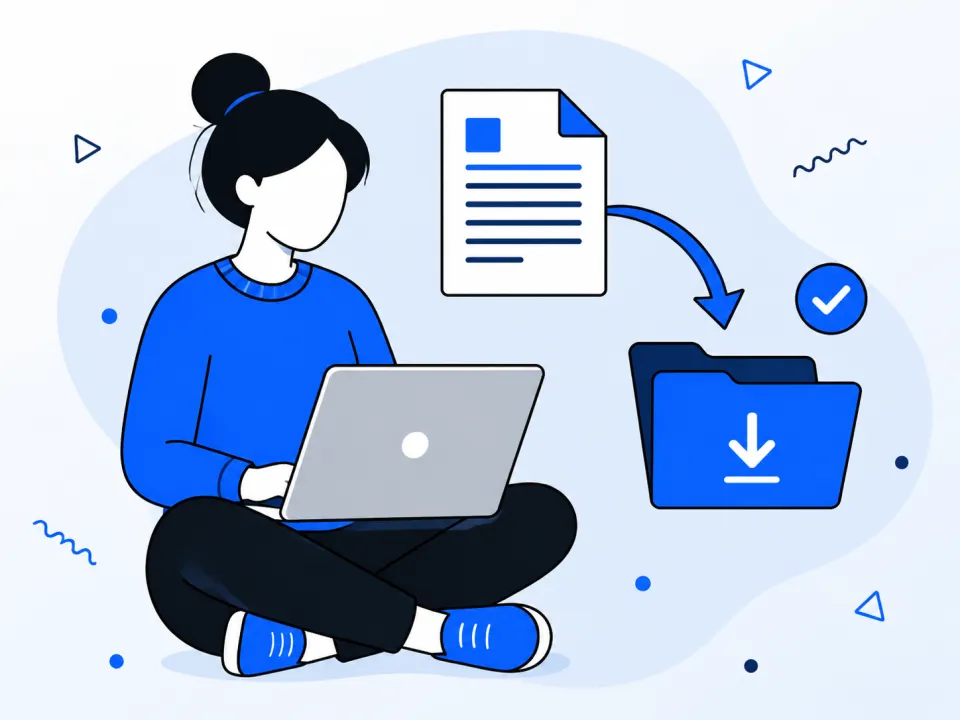
From the blog
Practical guides for writing professional letters, preparing accurate details, and using AI responsibly.

Visa Invitation Letter: How to Write One + Sample
Learn what to include in a visa invitation letter, see a complete sample, avoid common mistakes, and create a personalized draft with our AI generator.
 Letter Generator AI
How to Write a Professional Letter with AI in 8 Steps
Learn how to write a professional letter with AI using a practical prompt framework, correct format, editing examples, and a final review checklist.
Letter Generator AI Editorial Team
Letter Template Formats: Word, PDF, and Editable Files
Compare Word, PDF, Google Docs, and plain-text letter templates. Learn which format to choose, how to customize it, and what to check before downloading.
Letter Generator AI Editorial TeamFrequently asked questions
Instead of a one-size-fits-all response, each dedicated generator is tuned for the structure, etiquette, and tone of its letter type. You can also start from our professional template library and edit every detail before downloading.
No. We've specifically tuned the engine to avoid robotic phrasing and generic filler words, landing on a natural, human tone instead. You can also pick the exact tone you want — formal, friendly, or persuasive — and it'll still read like you wrote it.
Yes. You can fine-tune the layout, spacing, and structure directly in the editor, then copy the text or export a polished PDF — all without leaving the site or switching to another tool.
No — a cover letter and a resignation letter need different structures and tones, so each generator is individually optimized for its own letter type, from job applications to heartfelt personal notes.
Simply provide a brief description of what you want to say, select the type of letter, choose your desired tone, and let our AI draft the perfect letter for you instantly.